
Appearance Settings
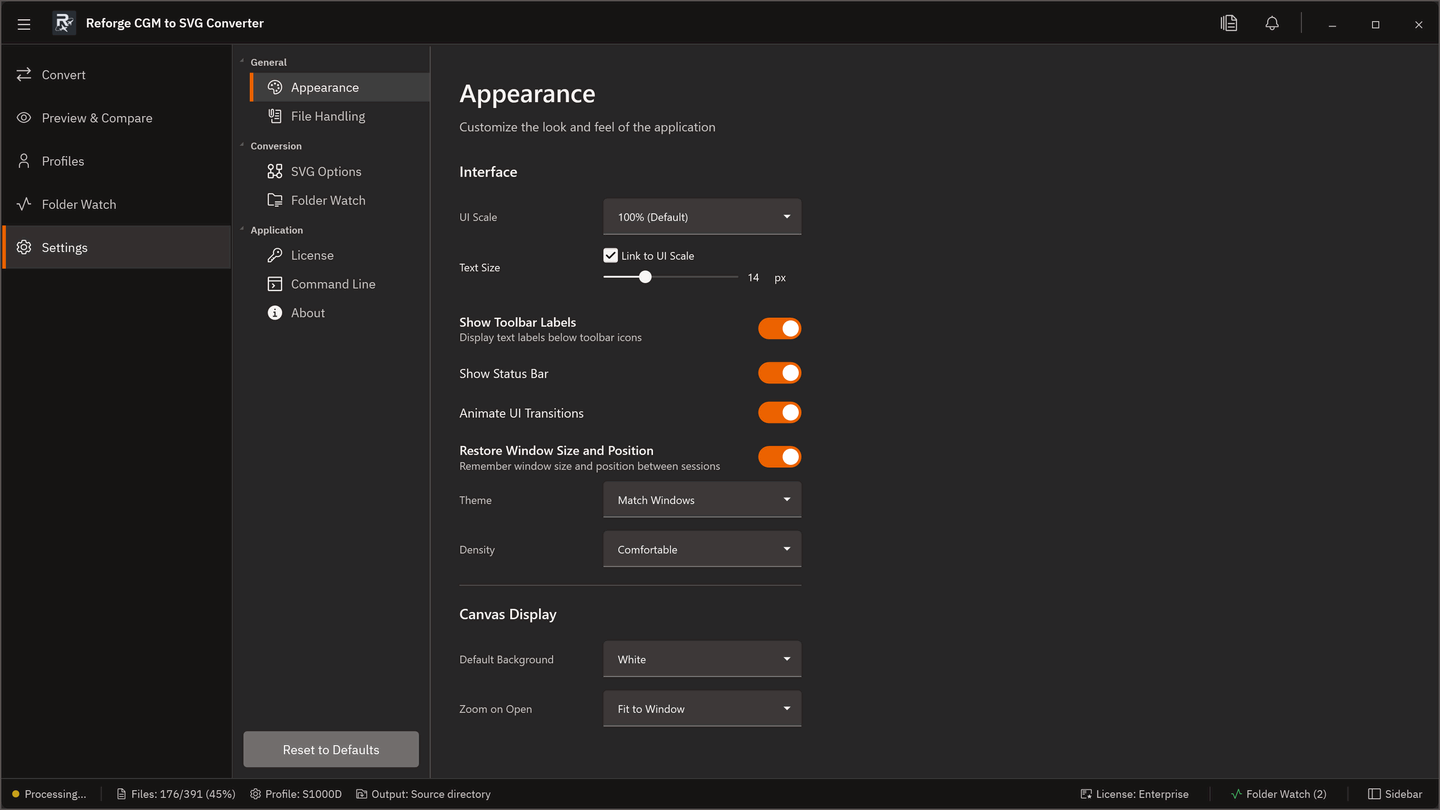
| Setting | Options |
|---|---|
| Theme | Dark (default) / Light / System — System follows the Windows app theme |
| UI scale | Adjusts overall size — useful on high-DPI displays |
| Font size | Base font size for UI text (does not affect SVG output) |
| Density mode | Compact / Normal (default) / Spacious |
| Toolbar labels | Show or hide text labels alongside toolbar icons |
| Animations | Enable or disable UI transition animations |